

Introduction
Sometime we may write a long query in our query window and we may need to refer the objects or other part of the T-SQL frequently. For that we may be scrolling up and down in the query window. But we have an awesome option for that in the SQL Query Window, which many of us may not be aware of.
Split Query Window in SSMS
To split the Query window, Click the splitter bar located just above the scroll bar.
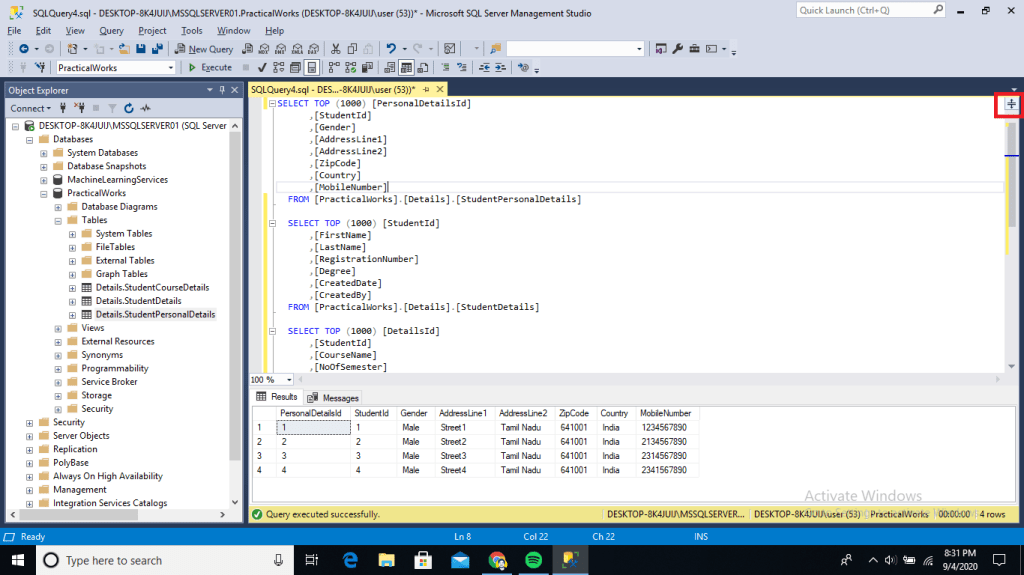
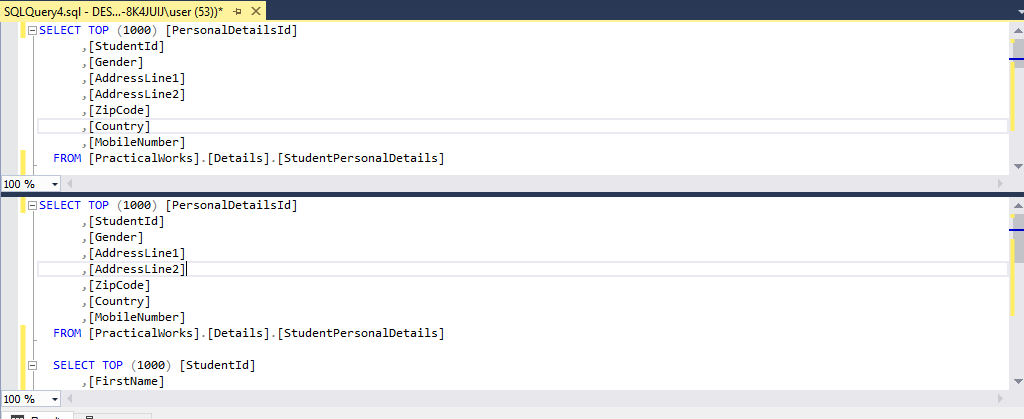
When we drag the splitter bar downwards, the query window will be splitted into two. So we do not need to scroll each time to view the upper side contents.
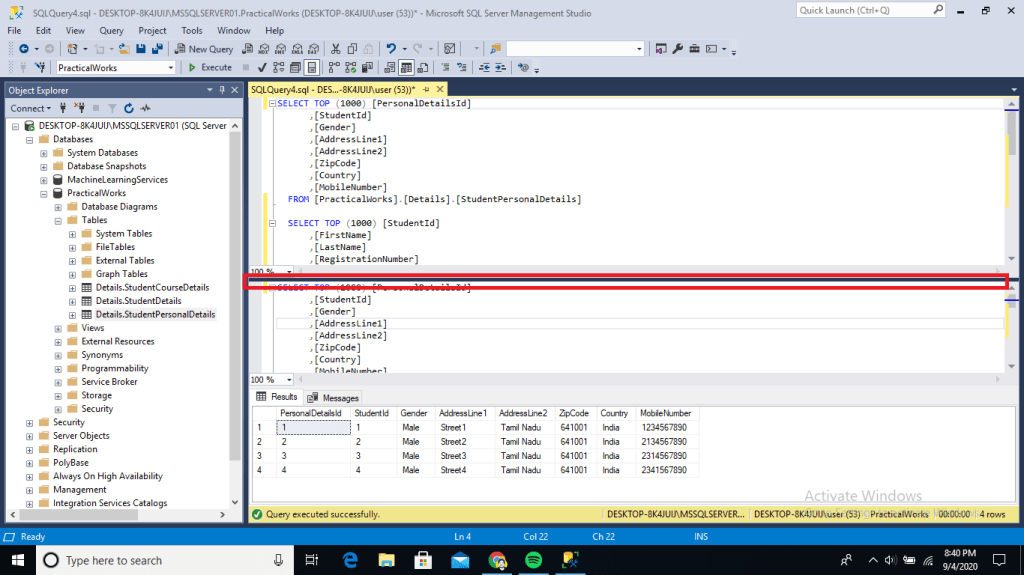
To get back to single pane view, just double click the splitter bar dividing the two pane.
Conclusion
We can split the query window by dragging down the Splitter Bar. I hope this tip will be more useful. Please share your feedback in the comment section and share this article in your social medias.
 Learn With Sundar
Leave a comment